
Stop opening every QuickBooks file. Just ask Claude.

A free multi-file QuickBooks connector for Claude. Every client company, read and write, in one chat, installed locally on your own computer — no cloud in the middle.
Send me the connector.

54 tools, read and write, across every company you connect. Mac or Windows, about 20 minutes to set up, no coding.

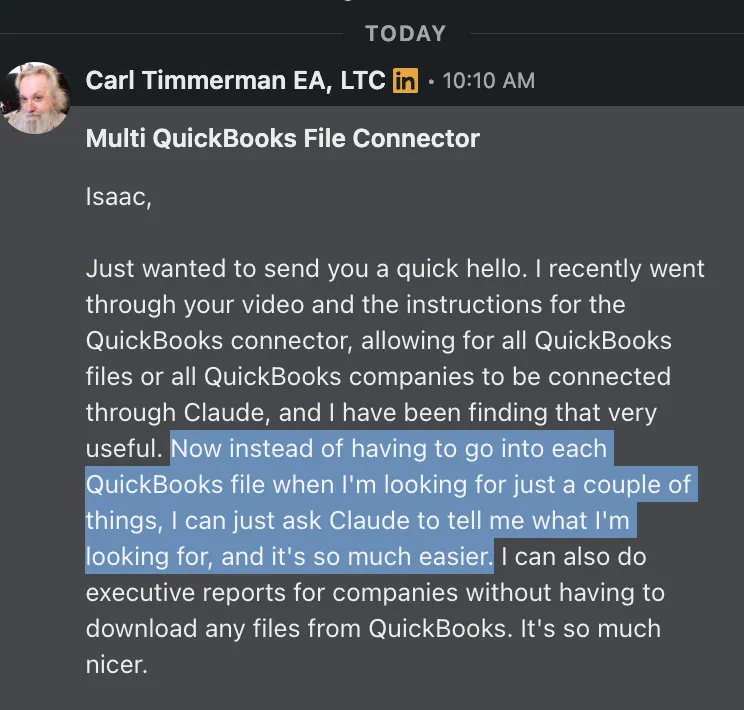
LinkedIn message from Carl Timmerman, EA, LTC: Now instead of having to go into each QuickBooks file when I'm looking for just a couple of things, I can just ask Claude to tell me what I'm looking for, and it's so much easier. I can also do executive reports for companies without having to download any files from QuickBooks.
Unsolicited message, received on LinkedIn.

One question. Every company. One answer.

Connect all your QuickBooks companies once. After that, you ask Claude in plain English and it checks every file for you.

One question to Claude reaches four QuickBooks companies through one connector A question asking which clients have overdue invoices goes through the Opzer connector to four connected QuickBooks companies, and Claude returns one combined answer. Which clients have overdue invoices? One connector · read + write Client A 3 overdue Client B 0 overdue Client C 5 overdue Client D 2 overdue Claude 10 overdue invoices across 3 of your 4 companies. Client C has the most. Want a follow-up list?
Illustration with sample data.

Ask, don’t click through files

Looking for a couple of numbers? Ask Claude. No more logging into each QuickBooks company one by one.

Executive reports, no downloads

Build reports across companies straight from Claude without exporting a single file from QuickBooks.

Your keys stay with you

It installs locally on your own Mac or Windows computer. No cloud in the middle, and it’s free.

Set it up this afternoon.

About 20 minutes, no coding, 54 tools across every company you connect.

Get the connector — free